MalayalamNewsableKannadaKannadaPrabhaTeluguTamilBanglaHindiMarathiMyNation
Add Preferred SourceGoogle-icon
  • Facebook
  • Twitter
  • whatsapp
  • YT video
  • insta
  • Latest News
  • India
  • World
  • Business
  • Markets
  • Sports
  • Entertainment
  • Lifestyle
  • Creator Connect
  • Technology
  • Home
  • Technology
  • Want to Keep Secrets Safe? Turn Off These Smartphone Settings Now

Want to Keep Secrets Safe? Turn Off These Smartphone Settings Now

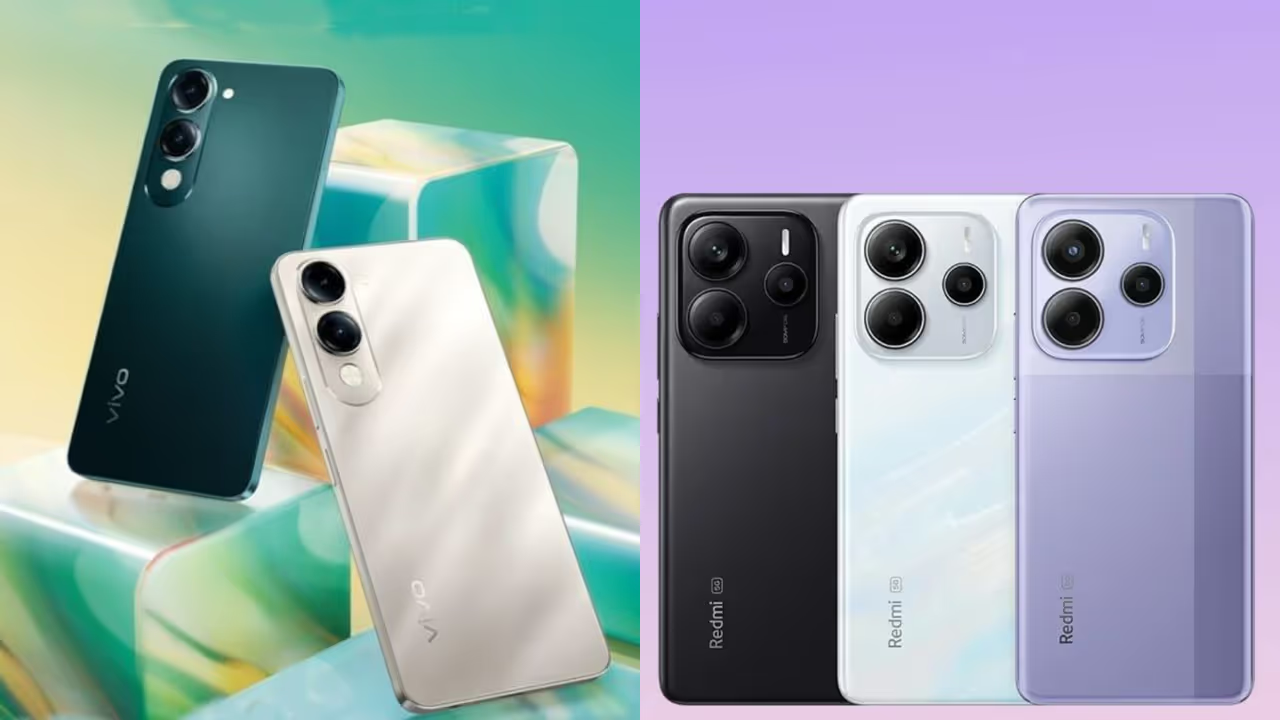
Your smartphone listens to your conversations and shows you personalized ads. This can put your private info at risk. This article shows you how to change key settings to protect your data and stop the ads.
2 Min read
Author : Ajay Joseph
Published : Nov 24 2025, 05:24 PM IST
Share this Photo Gallery
  • FB
  • TW
  • Linkdin
  • Whatsapp
  • GNFollow Us
17
Your secrets are in your smartphone's hands!
Image Credit : Pinterest

Your secrets are in your smartphone's hands!

Did you know your smartphone knows all your secrets, even if your loved ones don't? Ever noticed how after talking about something, ads for it pop up on Google? For example, you discuss buying a fridge or washing machine at home. A little later, you see ads for it on Google, Instagram, or YouTube. Sometimes, you just think about something and the ad appears!

Add Asianet Newsable as a Preferred SourcegooglePreferred
27
Wondering how this is possible?
Image Credit : Gemini

Wondering how this is possible?

When you see this, you might wonder how it's possible or think it's a coincidence. But it's not. Your phone listens to every word. It knows what you want, what you like, where you've been, who messages you, and your secrets. Your phone knows everything about you.

Related Articles

Related image1
Xiaomi Stock Tumbles On Warning Of Higher Smartphone Prices — Will Explosive EV Growth Spark A Rebound?
Related image2
OnePlus 15 to iQOO 15: November 2025 Set for Major Smartphone Launches
37
Is it dangerous?
Image Credit : gemini

Is it dangerous?

This is very dangerous. It's like handing over control of your life to your phone. It collects your most private information, which can be used to deceive you. This can even make you a victim of cybercrime. So, you should turn off some settings immediately.

47
The 'Allow' blunder!
Image Credit : pexels

The 'Allow' blunder!

When installing an app, we often hit 'allow' without reading. Some apps won't open otherwise. But not all apps need this. It's automatically on for many apps, playing a key role in collecting your details. Turning off these and other settings will benefit you in the future. Details are below.

57
What should you do?
Image Credit : pexels

What should you do?

How to turn off personalized data sharing:

- Go to your phone's Settings.

- Click on Google.

- Click All Services, then Privacy & Security.

- Click on Personalized using shared data.

- You don't need these, but they're all on. Turn them off.

67
Do this quickly
Image Credit : pexels

Do this quickly

How to turn off Usage & Diagnostics: (This setting sends your info to Google. To turn it off...)

- Go to your phone's Settings.

- Click on Google.

- Click All Services, then Privacy & Security.

- Click on Usage & diagnostics.

- Turn off Usage & diagnostics.

77
Do this to stop ads
Image Credit : pexels

Do this to stop ads

To stop targeted ads and prevent your phone from listening:

- Go to your phone's Settings.

- Click on Google.

- Open All Services.

- Click on Ads.

- Click Reset advertising ID and confirm.

- Delete advertising ID.

Find the latest Technology News covering Smartphone Updates, AI (Artificial Intelligence) breakthroughs, and innovations in space exploration. Stay updated on gadgets, apps, and digital trends with expert reviews, product comparisons, and tech insights. Download the Asianet News Official App from the Android Play Store and iPhone App Store for everything shaping the future of technology.

About the Author

AJ
Ajay Joseph
With over eight years of journalistic experience, Ajay Joseph Raj. P has been a dedicated member of the Asianet Newsable team, where he serves as the Chief Copy Editor. His expertise spans Business, Career, Stock Market, National, International, and viral/trending topics, with a knack for crafting compelling narratives that connect with diverse audiences.Before joining Asianet Newsable, Ajay honed his skills at OneIndia News and Opoyi English, gaining extensive experience in delivering impactful stories across various beats.
Smartphone
Technology

Latest Videos
Recommended Stories
Recommended image1
World's First Flying Car Moves Closer to Reality: Alef Model A Begins Production After 10 Years
Recommended image2
From Pop Songs to Political Trivia: What India Asked Alexa in 2025
Recommended image3
Now Playing
‘Have Great Confidence in India’: Dutch Envoy Ahead of AI Impact Summit 2025
Recommended image4
Why Time Magazine Named the ‘Architects of AI’ as Person of the Year
Recommended image5
From Tech Labs to Human Lives: How AI Leaders Recognised by Time are Transforming the World in 2025
Related Stories
Recommended image1
Xiaomi Stock Tumbles On Warning Of Higher Smartphone Prices — Will Explosive EV Growth Spark A Rebound?
Recommended image2
OnePlus 15 to iQOO 15: November 2025 Set for Major Smartphone Launches
News
Breaking News TodayLatest News TodayIndia NewsWorld NewsKarnataka NewsKerala NewsIndian Defence NewsBengaluru News
Entertainment
Entertainment NewsOTT ReleaseBigg BossMovie ReviewsBox Office Collection
Sports
Sports NewsCricket NewsFootball NewsWWE NewsOther Sports
Lifestyle
Lifestyle NewsFood and RecipesHealth NewsAstrologyCareer NewsWeb Stories
Business
Business newsShare Market NewsGold PriceDA Hike8th Pay CommissionTechnology NewsAutomobile News
Weather
WeatherKolkata WeatherChennai WeatherBengaluru Weather
Asianet
Follow us on
  • Facebook
  • Twitter
  • whatsapp
  • YT video
  • insta
  • Download on Android
  • Download on IOS
  • About Website
  • Terms of Use
  • Privacy Policy
  • CSAM Policy
  • Complaint Redressal - Website
  • Compliance Report Digital
  • Investors
© Copyright 2025 Asianxt Digital Technologies Private Limited (Formerly known as Asianet News Media & Entertainment Private Limited) | All Rights Reserved