- Home
- Technology
- Stop Using Gmail for Business: Learn How to Create a Professional Email Address in 2026
Stop Using Gmail for Business: Learn How to Create a Professional Email Address in 2026
Still using a normal Gmail for business? Learn how to create a professional email with your company domain in 2026 to boost credibility, improve security, and build stronger customer trust.
14
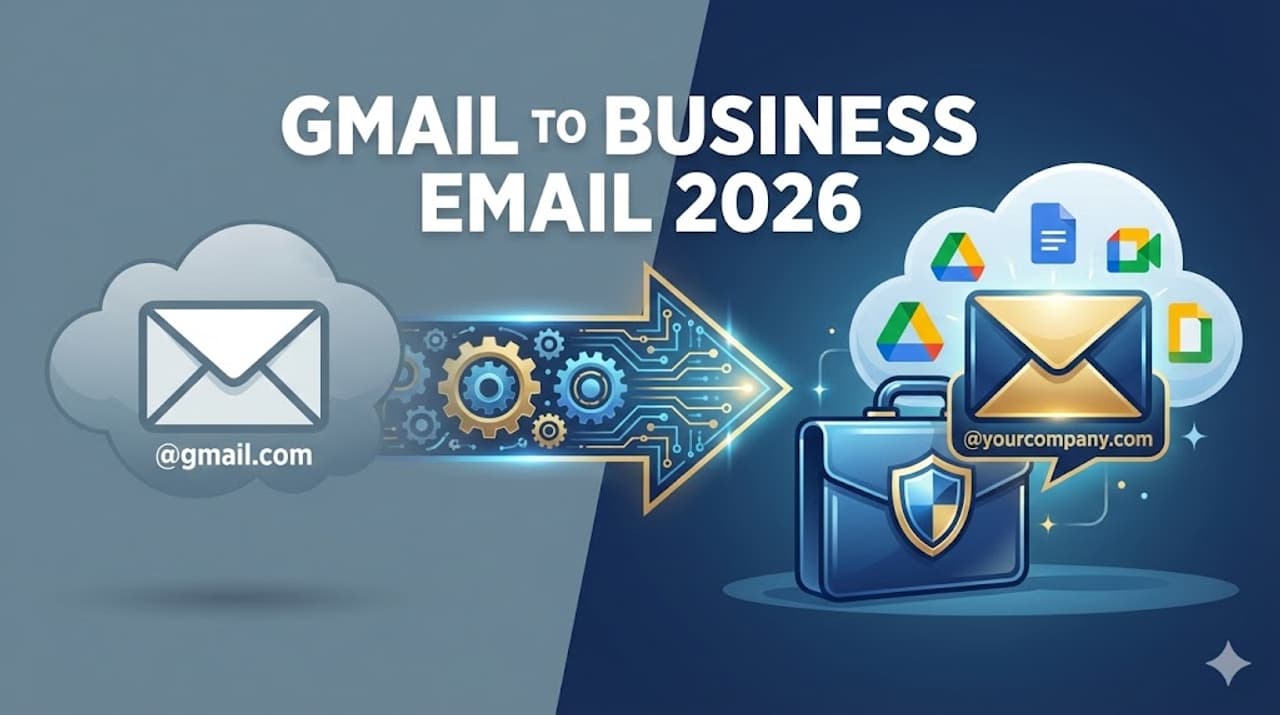
Image Credit : Gemini
In today's digital world, building customer trust is everything. Think about it, getting a mail from example@gmail.com versus info@yourcompany.com makes a huge difference, right? The second one shows your company's credibility and professionalism. Plus, business emails give you extra protection from cyber attacks like hacking and phishing. So, how do you change your normal Gmail into a business email? Here's the simple guide for 2026!
Add Asianet Newsable as a Preferred Source
24

Image Credit : Gemini
Step 1: Buy the Right Domain Name
First step, you need to buy a domain name for your company, for example, yourcompany.com. You can easily buy one from sites like GoDaddy or Namecheap. It's best to pick a domain name that is short, easy to remember, and matches your business.
34
Image Credit : Google
Step 2: Sign up for Google Workspace
After buying the domain, you have to sign up on Google Workspace. Yes, it's a paid service from Google, but it lets you use the familiar Gmail interface with your new domain name. You also get all the business tools like Drive, Meet, Calendar, and Docs in one place.Step 3: Domain VerificationOnce you sign up, Google will check if you really own the domain. They'll give you a 'Verification Code' which you need to update in your domain settings. Once that's done, your domain gets linked directly to Google's servers.
44
Image Credit : Getty
Step 4: MX Records Update
Next, go to your domain's Control Panel. Here, you need to delete the old MX records and add the new ones provided by Google. This step basically tells the internet where to send your emails. After you do this, within a few hours, all emails sent to your new business address will land straight in your Gmail inbox. After this, you can create separate email IDs for different departments like sales@yourcompany.com or support@yourcompany.com and take your business to the next level!
Find the latest Technology News covering Smartphone Updates, AI (Artificial Intelligence) breakthroughs, and innovations in space exploration. Stay updated on gadgets, apps, and digital trends with expert reviews, product comparisons, and tech insights. Download the Asianet News Official App from the Android Play Store and iPhone App Store for everything shaping the future of technology.
Latest Videos