MalayalamNewsableKannadaKannadaPrabhaTeluguTamilBanglaHindiMarathiMyNation
Add Preferred SourceGoogle-icon
  • Facebook
  • Twitter
  • whatsapp
  • YT video
  • insta
  • Latest News
  • India
  • World
  • Business
  • Markets
  • Sports
  • Entertainment
  • Lifestyle
  • Creator Connect
  • T20 World Cup 2026
  • Home
  • Technology
  • Lost Your Phone? Learn How to Find It Using Google’s Find My Device

Lost Your Phone? Learn How to Find It Using Google’s Find My Device

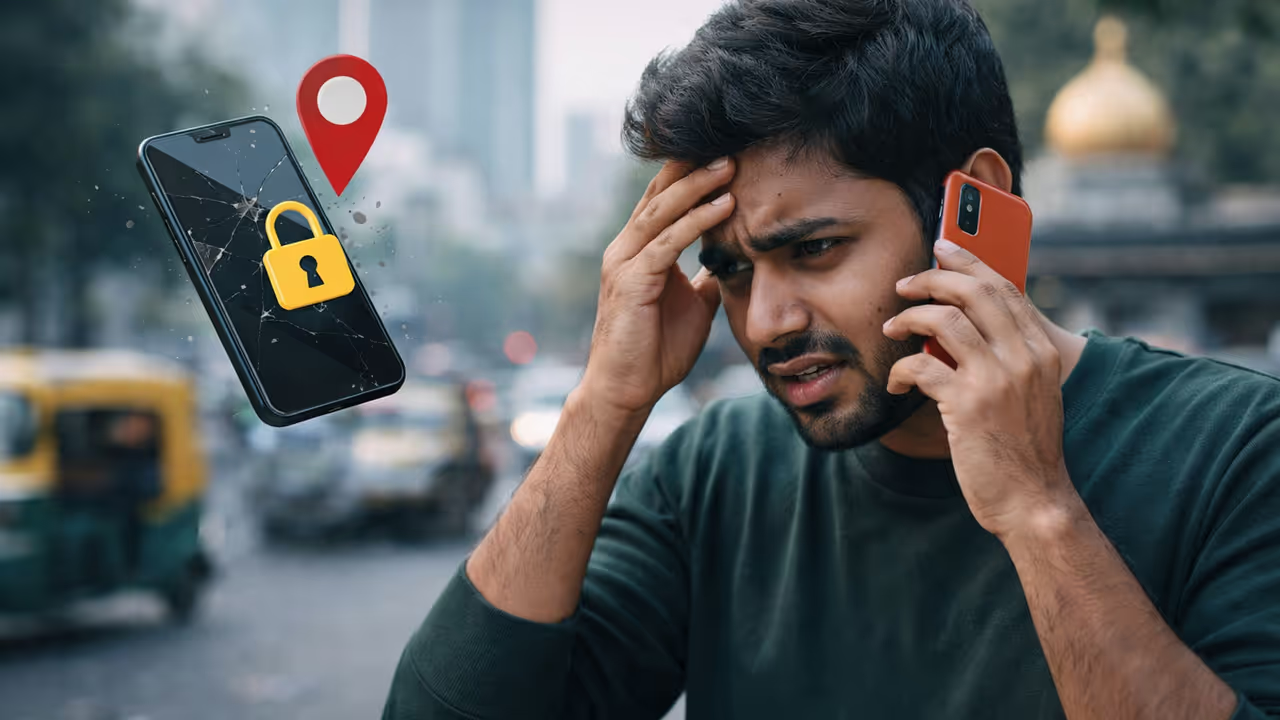
Lost your phone? Don't worry! Learn how to track, ring, and lock your device using just your Google ID, no app needed. Follow these simple steps to find your lost Android phone quickly and secure your data.
2 Min read
Author : Asianet Newsable English
Published : Feb 12 2026, 10:27 AM IST
Share this Photo Gallery
  • FB
  • TW
  • Linkdin
  • Whatsapp
  • GNFollow Us
16
Lost Phone
Image Credit : AI Generated

Lost Phone

Losing your phone is super stressful, with all your data on it. Before you panic, know that Google has a great feature to help. No special app installation is needed!

Add Asianet Newsable as a Preferred SourcegooglePreferred
26
No App Needed... Just Your Google ID!
Image Credit : Asianet News

No App Needed... Just Your Google ID!

Many think you need a 'Tracking App' to find a lost phone, but that's wrong. You can find your phone from anywhere using the same Google Account logged into it. It's called "Find My Device".

Related Articles

Related image1
How to Detect Malware on Android: Battery, Data, and App Safety Tips
Related image2
Google Photos Introduces AI Voice Editing for Android Users in India
36
How to Find It? (Step-by-Step Process)
Image Credit : Getty

How to Find It? (Step-by-Step Process)

1. Use a friend's phone or a computer.

2. Go to the website android.com/find.

3. Log in with the same Gmail ID and password used on your lost phone.

4. That's it! Google Maps will show the exact location of your phone.

46
It Rings Even on Silent! (Play Sound)
Image Credit : AI Generated

It Rings Even on Silent! (Play Sound)

Worried your phone is stuck under a cushion on silent mode? No problem! The website has a "Play Sound" option. Click it, and your phone will ring at full volume for 5 minutes, even if it's silent.

56
Erase Data and Lock It (Secure & Erase)
Image Credit : Getty

Erase Data and Lock It (Secure & Erase)

If your phone is stolen, use "Secure Device" to protect your data. You can lock it remotely and display a "Call me" message. If recovery is unlikely, use "Erase Device" to wipe all data.

66
Can You Find It When It's Off? (New Update)
Image Credit : Gemini

Can You Find It When It's Off? (New Update)

With Google's latest update (on Pixel 8 and later), there's an "Offline Finding" feature. It helps find your phone via Bluetooth signals even if it's off or the battery is dead. So, don't panic and use this Google trick!

Find the latest Technology News covering Smartphone Updates, AI (Artificial Intelligence) breakthroughs, and innovations in space exploration. Stay updated on gadgets, apps, and digital trends with expert reviews, product comparisons, and tech insights. Download the Asianet News Official App from the Android Play Store and iPhone App Store for everything shaping the future of technology.



About the Author

AN
Asianet Newsable English
Asianet Newsable ENglish is the official profile used for publishing syndicated news agency stories on the platform. This profile ensures accurate, credible, and timely reporting of national and international news across various categories, including politics, sports, entertainment, lifestyle, and more. Editors curate and adapts wire service content to suit the platform’s diverse, multilingual audience, maintaining journalistic integrity and delivering fact-based news.
Technology

Latest Videos
Recommended Stories
Recommended image1
Nothing Phone 4a Pro Launch Soon: Expected Price, Specs, and Release Date
Recommended image2
How AI.com Sold for $70 Million: The Quiet Malaysian Investor Arsyan Ismail Behind the Historic Deal
Recommended image3
How to Detect Malware on Android: Battery, Data, and App Safety Tips
Recommended image4
ChatGPT’s Caricature Craze: Why Everyone’s Turning Into a Cartoon
Recommended image5
Best Camera Phones Under Rs 30,000 in India: Top Picks for Photography
Related Stories
Recommended image1
How to Detect Malware on Android: Battery, Data, and App Safety Tips
Recommended image2
Google Photos Introduces AI Voice Editing for Android Users in India
News
Breaking News TodayLatest News TodayIndia NewsWorld NewsKarnataka NewsKerala NewsIndian Defence NewsBengaluru News
Entertainment
Entertainment NewsOTT ReleaseBigg BossMovie ReviewsBox Office Collection
Sports
Sports NewsCricket NewsFootball NewsWWE NewsOther Sports
Lifestyle
Lifestyle NewsFood and RecipesHealth NewsAstrologyCareer NewsWeb Stories
Business
Business newsShare Market NewsGold PriceDA Hike8th Pay CommissionTechnology NewsAutomobile News
Weather
WeatherKolkata WeatherChennai WeatherBengaluru Weather
Asianet
Follow us on
  • Facebook
  • Twitter
  • whatsapp
  • YT video
  • insta
  • Download on Android
  • Download on IOS
  • About Website
  • Terms of Use
  • Privacy Policy
  • CSAM Policy
  • Complaint Redressal - Website
  • Compliance Report Digital
  • Investors
© Copyright 2026 Asianxt Digital Technologies Private Limited (Formerly known as Asianet News Media & Entertainment Private Limited) | All Rights Reserved